For Apple Home · iPhone, iPad & Mac
RLSAND HOME
Supports Apple HomeKit. AI, guided wizards, and ready-made templates make home automations easy for anyone to build.
Features
Automations anyone can build.
Apple Home is powerful, but building automations isn't always easy. Start with Templates and let the app suggest from your inventory, type what you want, or step through the guided wizard. Same Apple Home engine underneath — easier path in.
Templates that know your home
The fastest way in. Browse prebuilt automations that match the accessories you actually have — the app reads your inventory and suggests what fits. Pick one, review it, save. No typing required.
AI Wizard, powered by Apple Intelligence
Type what you want in plain English. The AI Wizard uses Apple Intelligence on your device to turn your words into Apple Home triggers and actions, and asks when something is unclear. Needs iOS, iPadOS or macOS 26 on a device that supports Apple Intelligence; templates, the guided wizard and the editor also work on earlier versions.
Guided wizard
Build custom automations without needing to understand the underlying complexity. Step through categorized triggers and actions; the wizard validates against your real accessories before saving.
Sensor & scene aware
Motion, contact, occupancy, leak, smoke, CO. Scenes you've already built. The app reads your home and uses what's there.
Health & maintenance
The app catches automations that won't fire reliably — like time triggers missing their weekday recurrence — flags name conflicts and home-hub issues, and can repair the unreliable ones for you.
iCloud sync, opt-in
Turn on iCloud sync and your in-app preferences follow you across iPhone, iPad, and Mac. Your HomeKit data stays in Apple Home — iCloud sync just covers the app's own settings.
Privacy-first
Your HomeKit data stays in your home, managed by Apple's HomeKit. AI is powered by Apple Intelligence (Apple's Foundation Models) and runs on your device. RLSAND never receives your words. Details, including the optional cloud help on newer systems, are in the Privacy Policy.
Works with Siri
Run a scene, run or switch an automation, check a sensor, or dim a light by asking Siri — or add those actions to your own shortcuts.
A look inside
From your dashboard to a working automation.
Open the app, see your home at a glance, build an automation the way that fits you — templates, AI, or block editor — and drill into any room to see live sensor and device state.
-
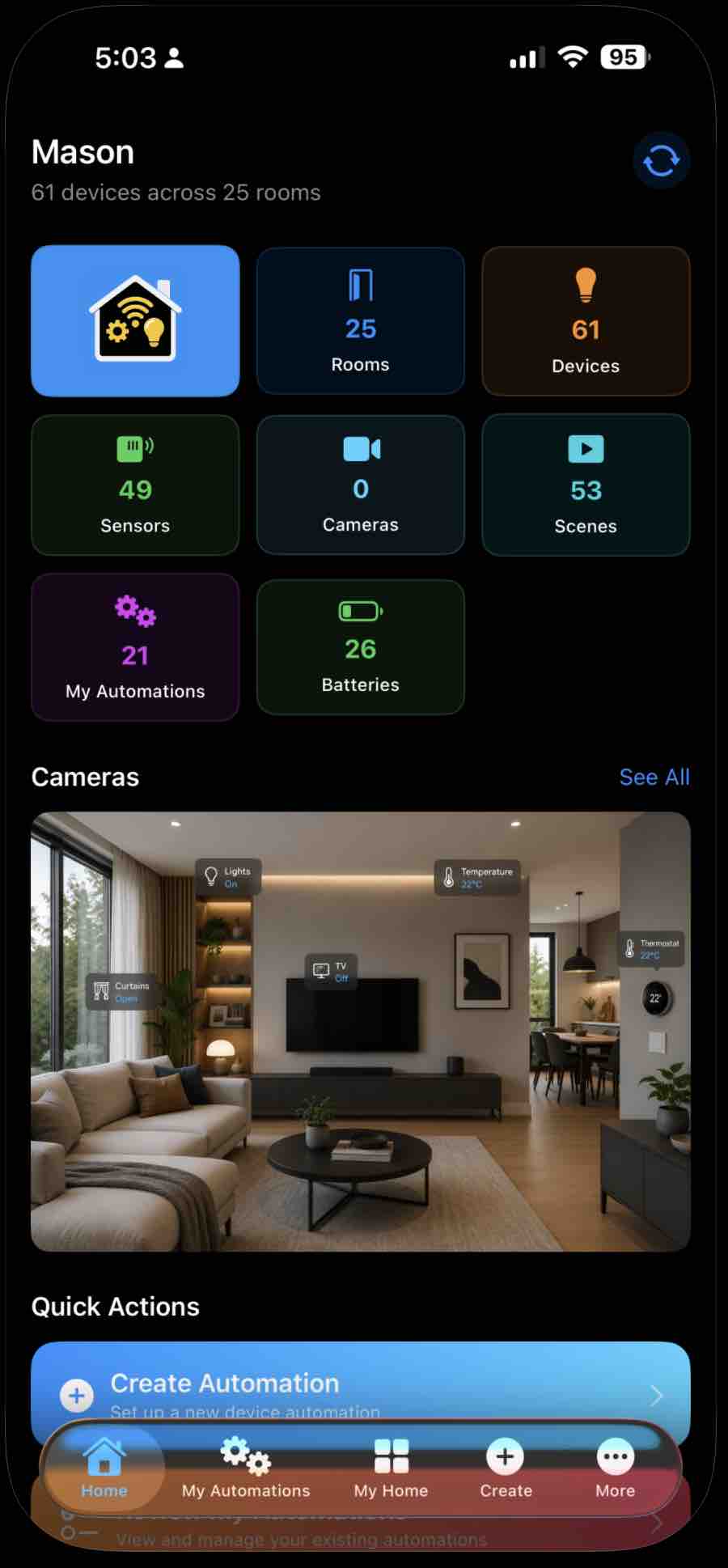
Home — everything at a glance.
-
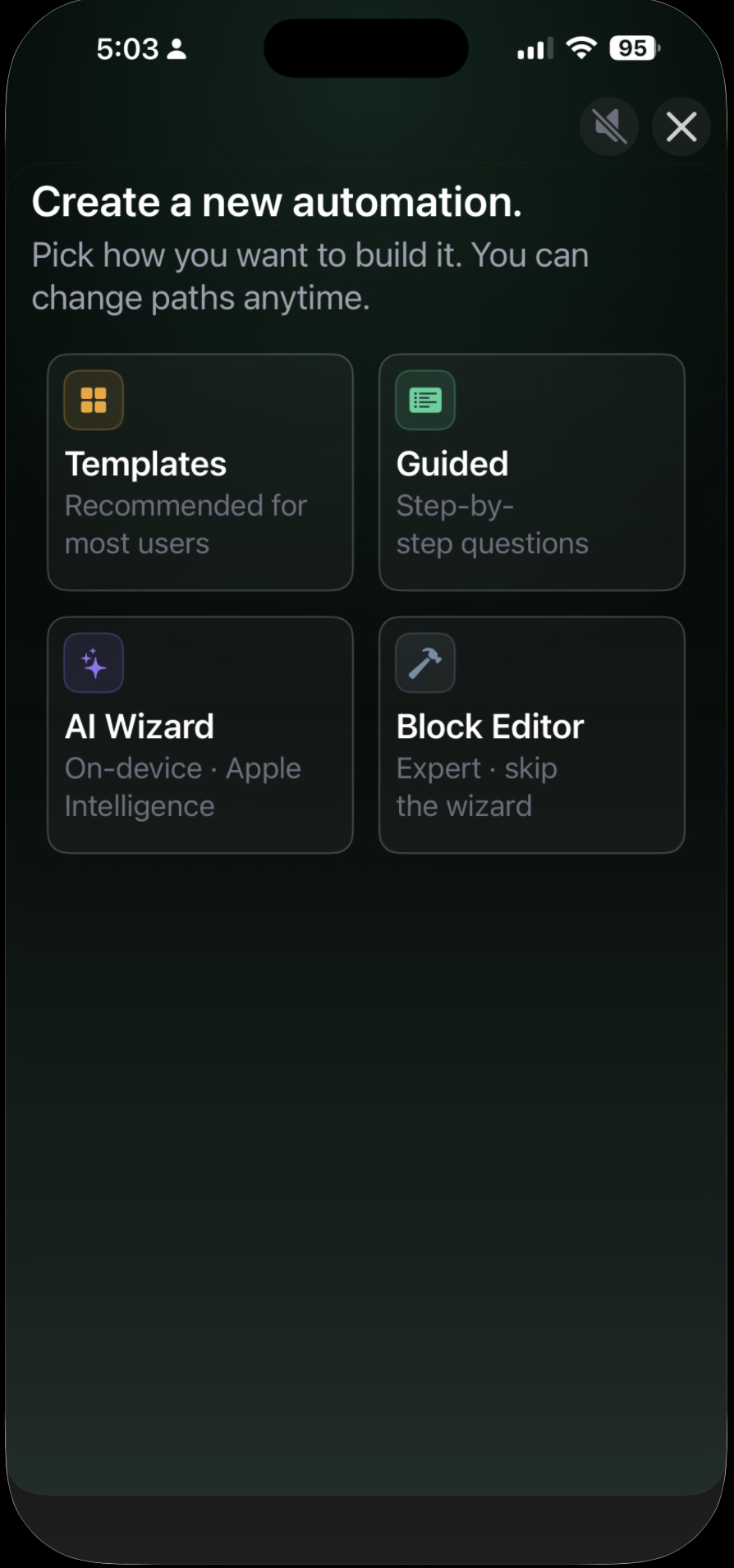
Pick how you want to build it.
-
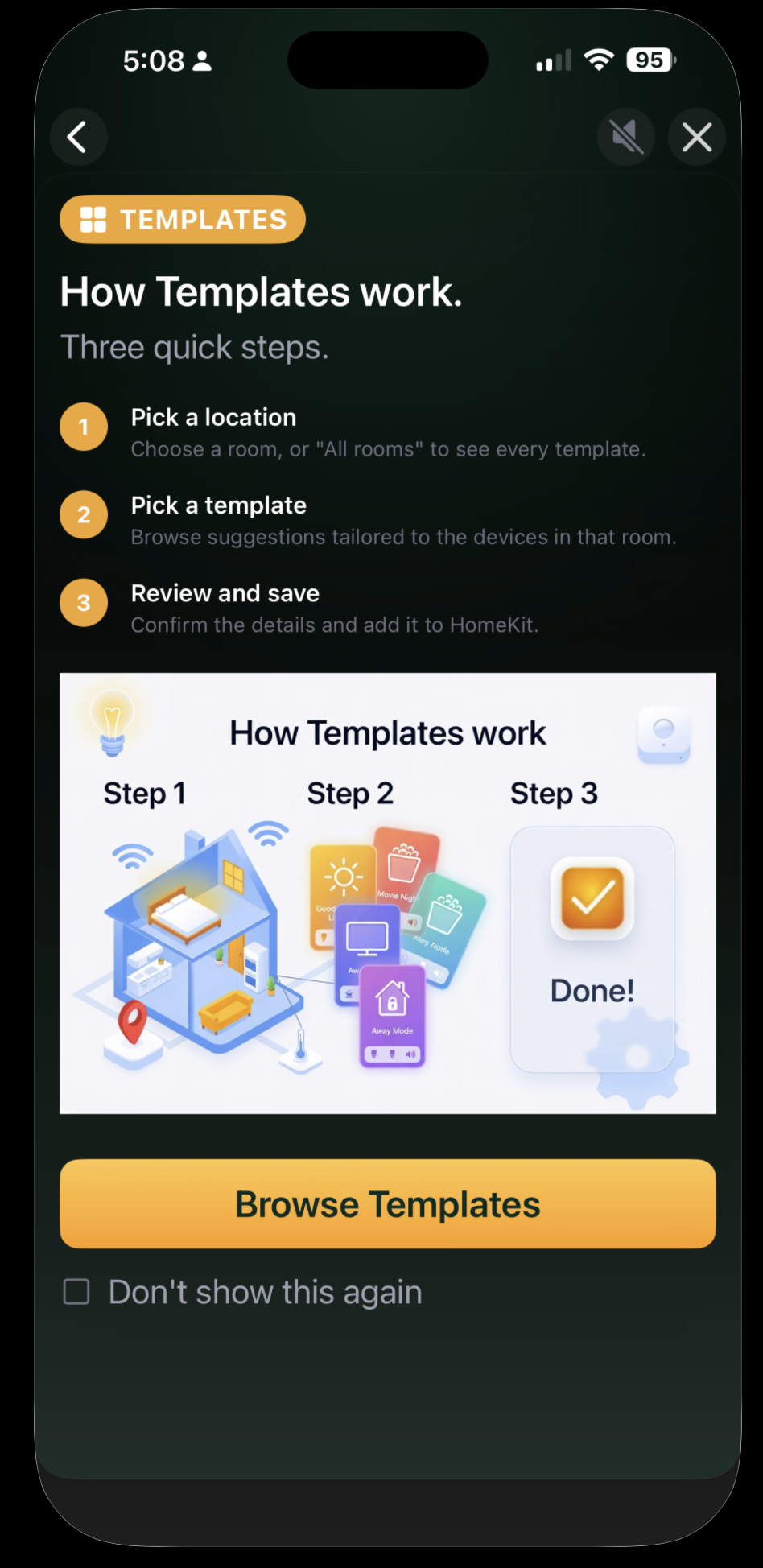
Templates in three quick steps.
-
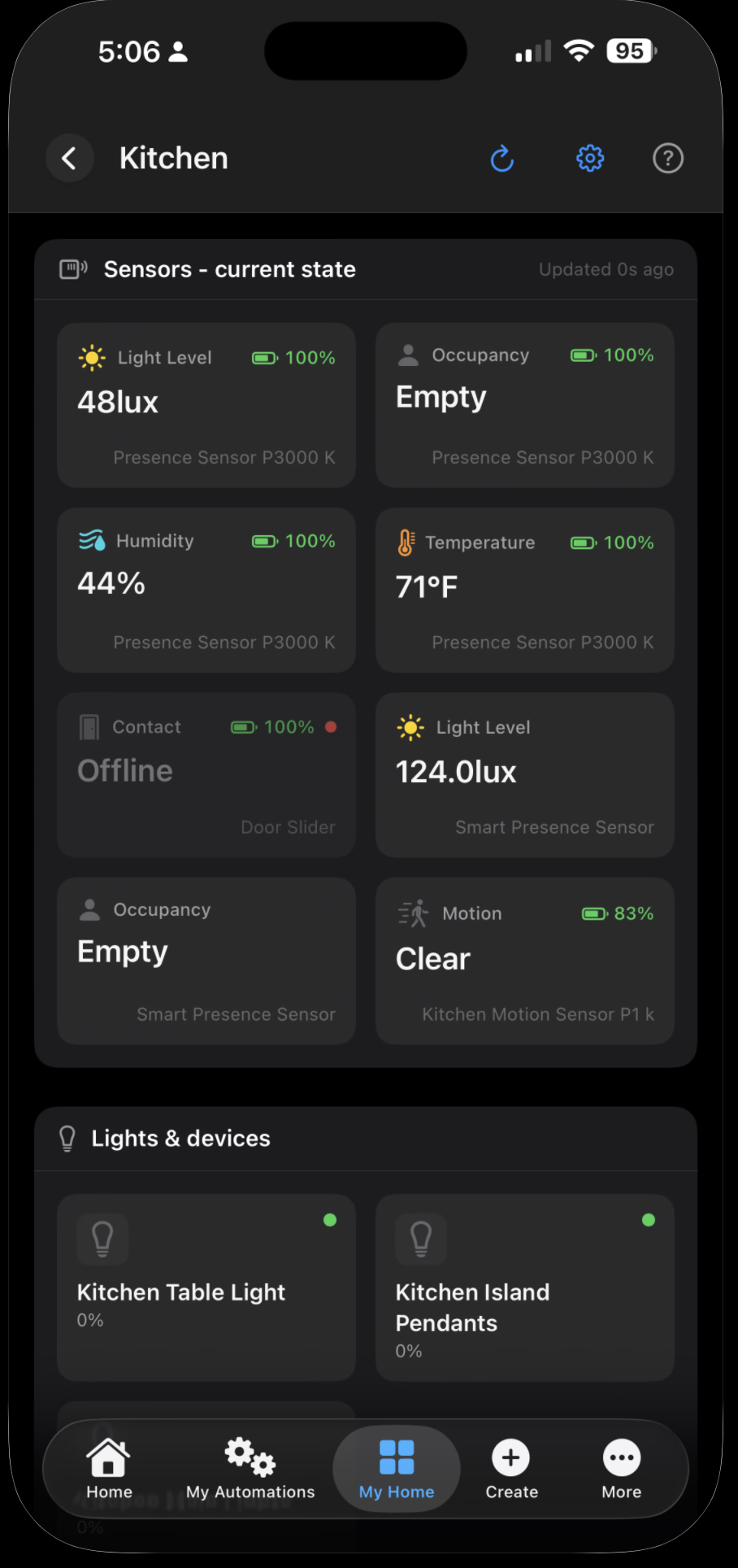
Live sensor and device state, per room.
Pricing
One price. No subscription.
RLSAND HOME
$14.99
One-time purchase. No subscription.
- Free demo mode — a built-in sample home to explore before you buy
- All current features included
- No subscription
- Family Sharing supported
- Optional iCloud sync of your app settings
- iPhone, iPad & Mac
Why we built it
Apple Home is great. Setting up automations isn't always easy.
The Home app lets you build powerful automations — but the path to do it isn't obvious unless you've spent time digging. We wanted anyone in the household to pick a template, type what they want, and have it just work — not just the techie.
It's also our calling card. The same team that built it has spent two decades shipping mobile apps and cloud services for paying client engagements — most under NDA, so there are no logos to show. If you like how this one feels, that's how the ones we'd build for you would feel too.
See what we build for clients"Finally an app that lets me describe what I want my house to do, instead of clicking through fifteen toggles."
— anonymized beta tester
Ready to automate your home?
Free to try, $14.99 to keep — one-time, no subscription. Need help with setup? The Support page covers the most common Apple Home gotchas.